
Batieu 5.0: Validities, labels and new language
If Batieu assists you in your day-to-day work, you’ve no doubt noticed the recent changes to our construction software. We are constantly evolving to meet the demands of the challenging construction industry, regularly introducing new features and improvements. So, what’s new in the latest Batieu update? Read on!
Track the validity of construction documents and more
How often have you missed a document's validity date? With the rush of daily responsibilities, it’s easy to overlook when certificates, permits, or insurance policies expire. The new expiry tracking feature in our construction software helps you keep your documentation under control.
How does it work? Enter the new „Validity” module, create a list of documents, set their expiration dates, and add the files you want to monitor. The app will remind you in advance about upcoming deadlines and notify you once a document expires — so you can take the necessary action ahead of time.
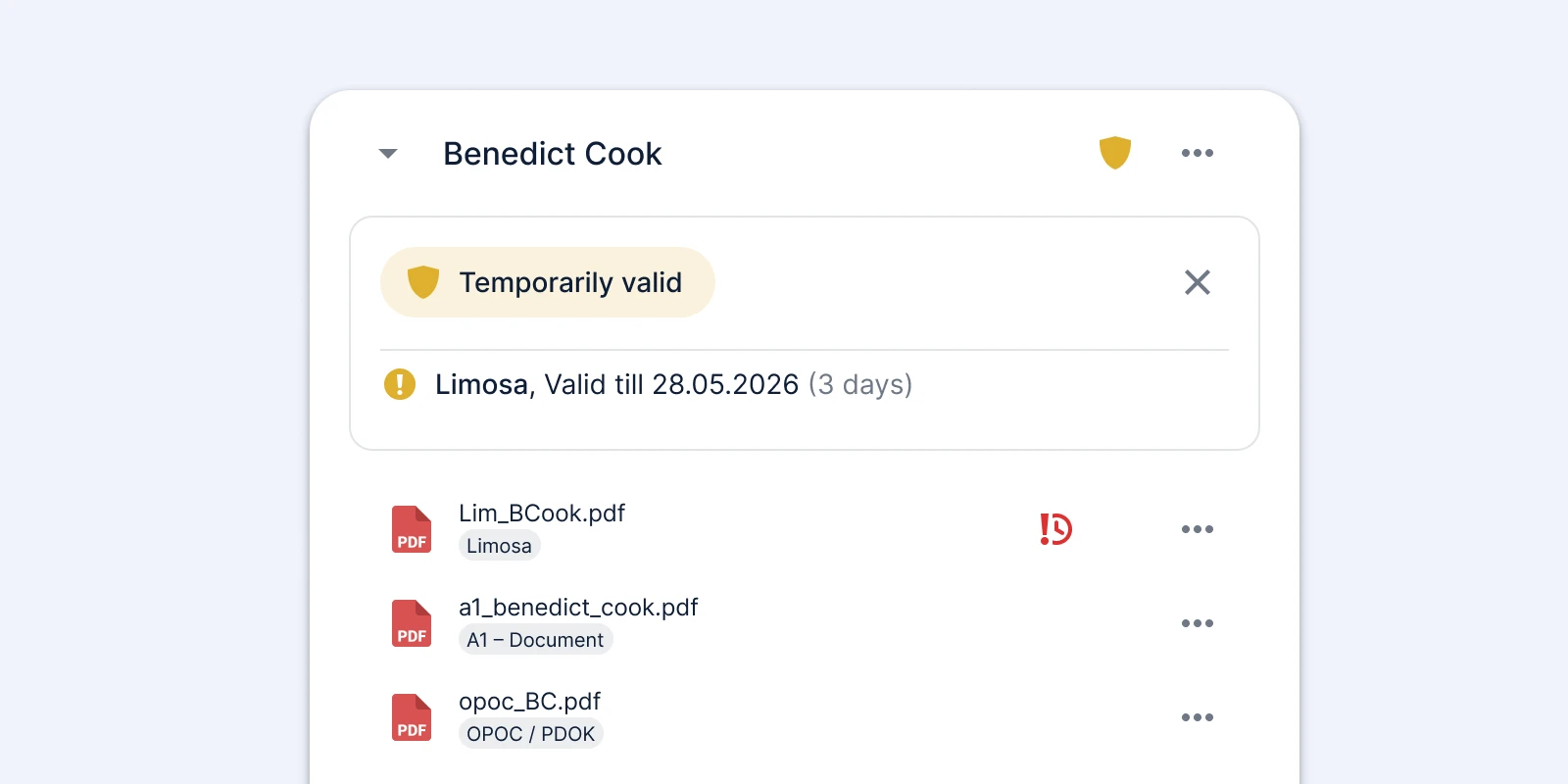
Key points: Now you can take even better care of the legal and technical security of your project. This feature is useful not only during project handovers, but also for everyday monitoring — for example, verifying employee work eligibility. Validity tracking is available for users on the PRO plan.
Better-looking comments
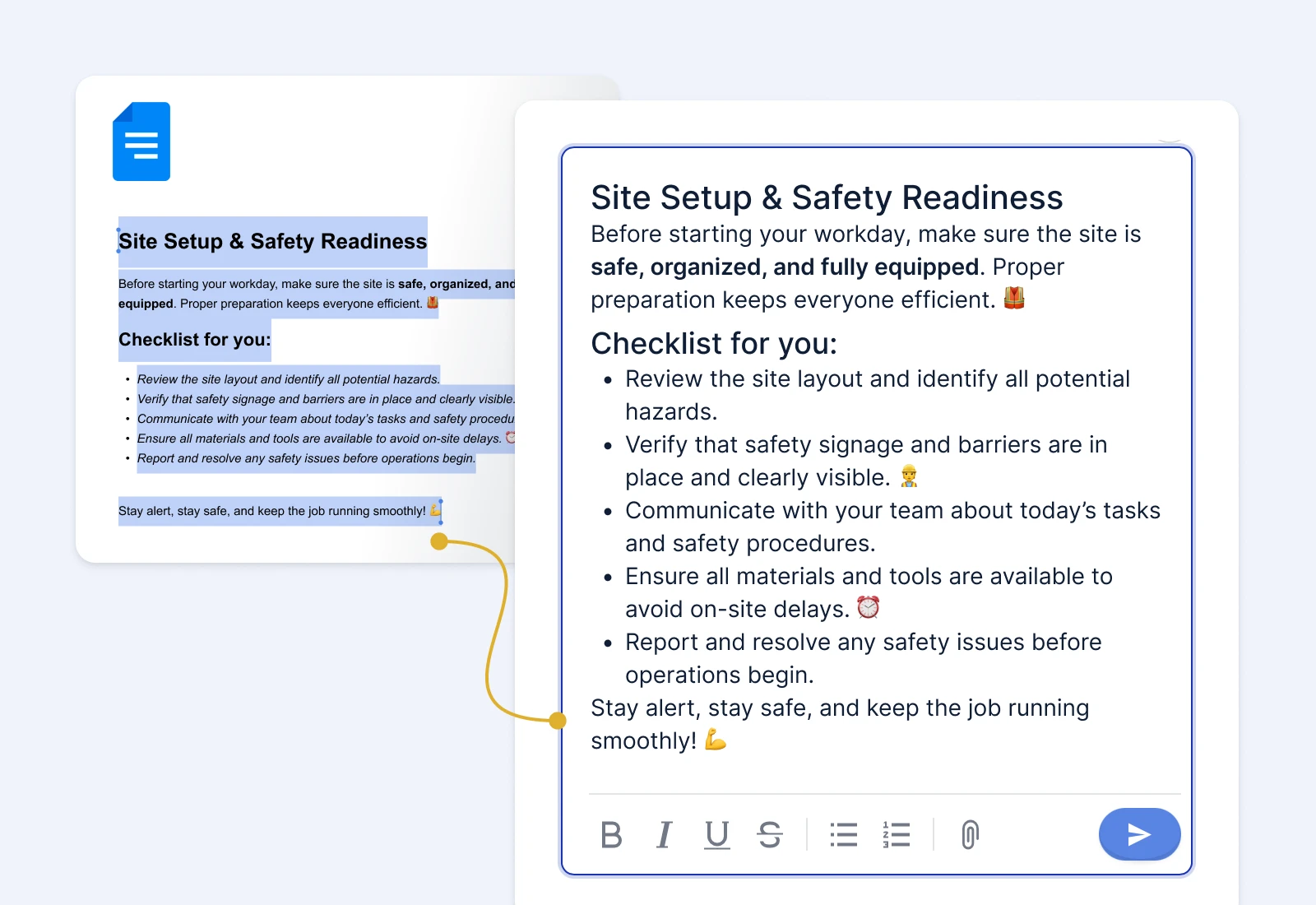
It’s no secret that it’s not only what you write that matters, but also how your message looks. From now on, you can quickly and easily copy selected content from another document and paste it directly into a discussion while keeping the original formatting — including headings, bullet points, and even emojis.
As a result, your comments become clearer, more professional, and more engaging.
Labels in construction software – choose better organisation
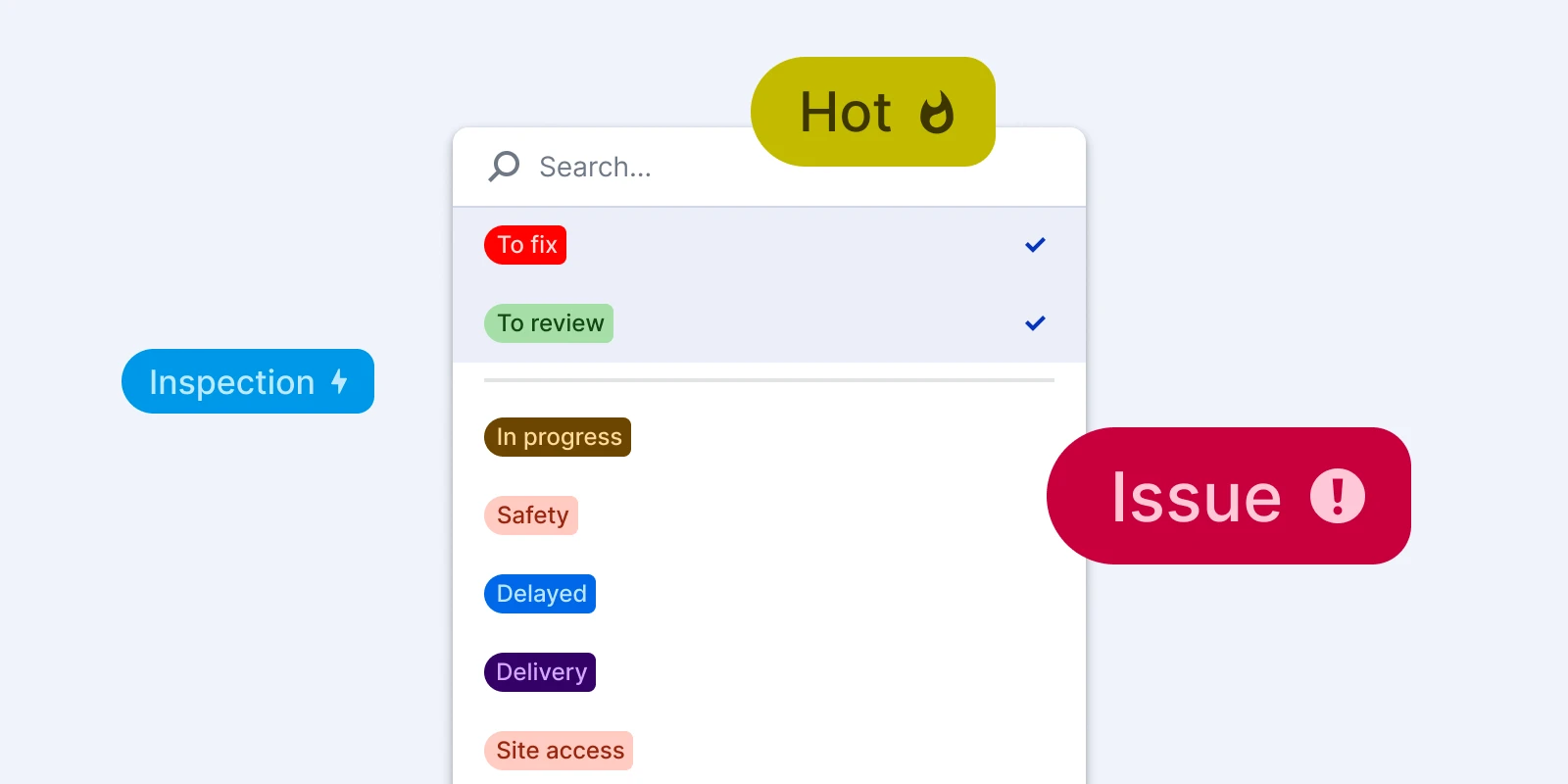
You can now easily organize different elements and quickly filter or search through them. Create your own labels to see instantly the status of tasks and know what actions to take. Mark urgent projects or areas that need improvement.
You can assign labels to estimates, projects, and more.
Add files to comments and communicate more efficiently
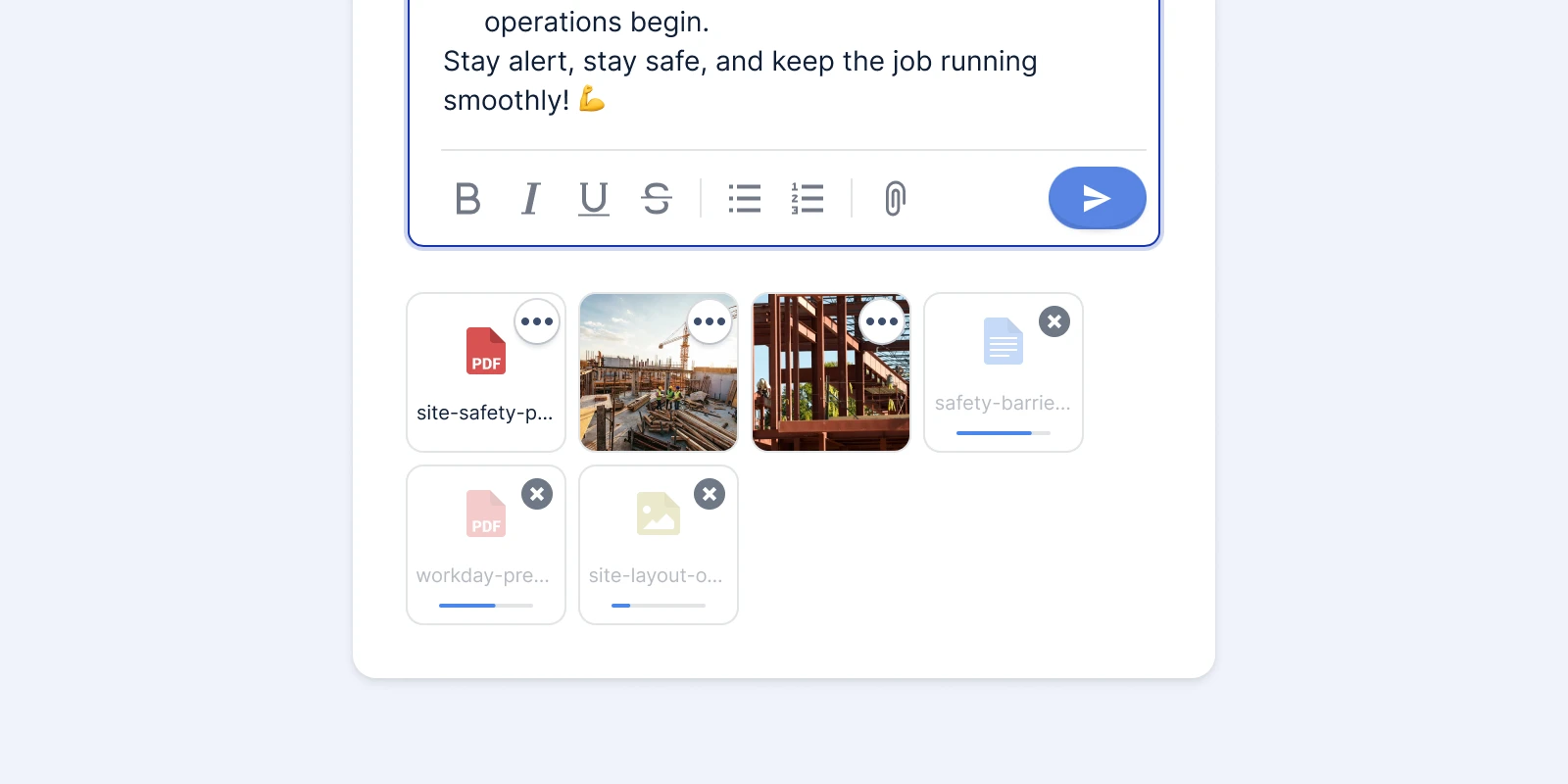
Your feedback and updates can now be even more precise. In discussions, loved by our users as a tool for everyday documentation, you can attach files such as documents, images, or spreadsheets. This makes it easy to quickly return to specific arrangements or materials whenever needed.
Hallo! Batieu is now available in Dutch
Speaking of communication, introducing Dutch in the app is an important step toward even better international collaboration. Thanks to this, your partners in Belgium and the Netherlands can use our app in their native language.
Work comfortably on Mac computers or iOS and Android phones
We are proud that our construction software for companies works wherever you are and on whatever device you use. For even greater convenience the app is now also available on Mac computers with Apple Silicon processors (M1, M2, and newer), allowing you to use it even faster while taking full advantage of your device’s capabilities.
Prefer working on a smartphone? The app works as smoothly on iOS or Android phones.
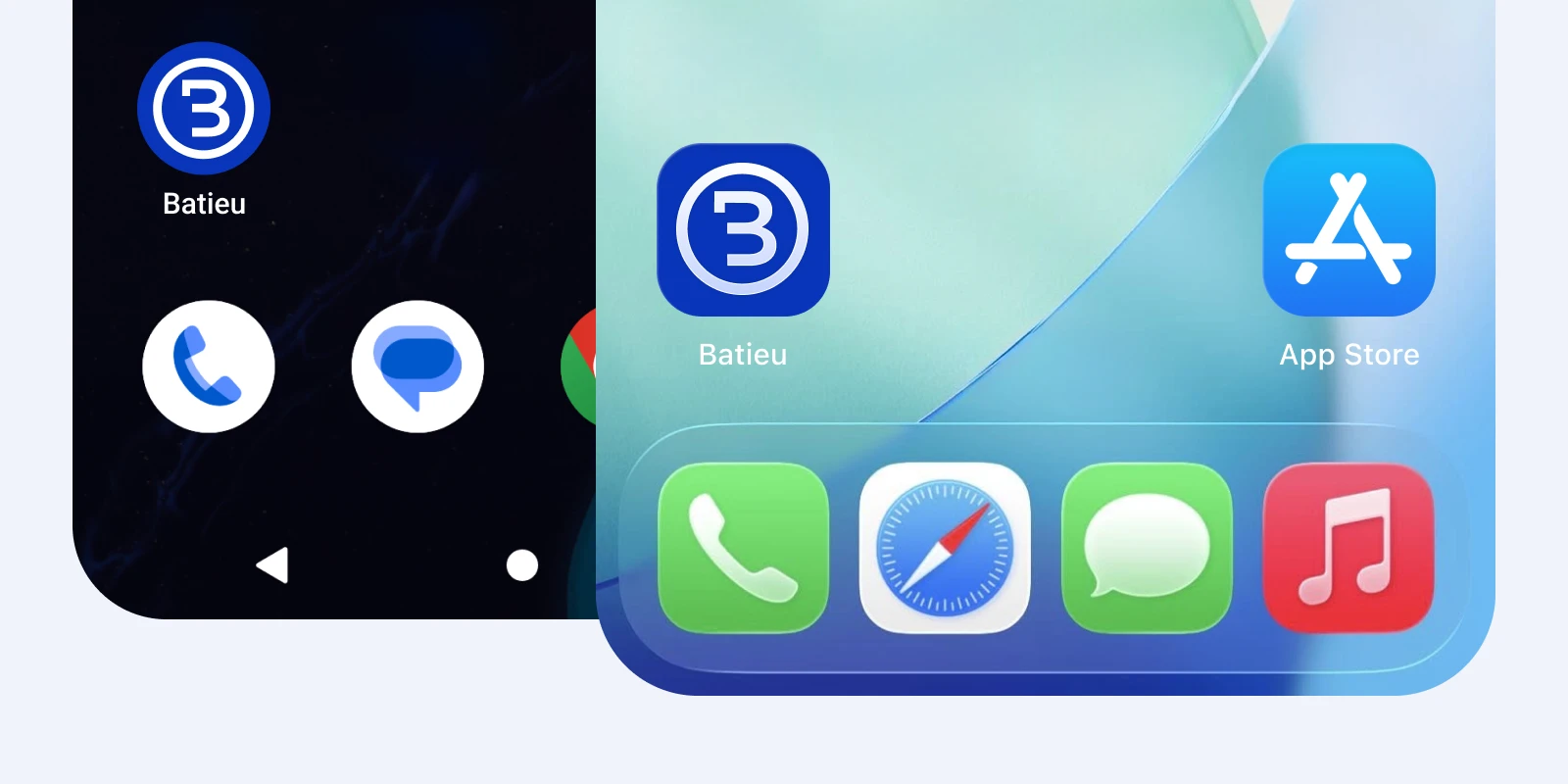
How to add the app to your home screen?
Computer: If you’re using Chrome, simply open batieu.com/app in your browser and click the install icon. If you’re using Safari, select the “Add to Dock” option.
iOS phone: In any browser, tap the share icon, then choose “Add to Home Screen.”
Android phone: When using Chrome, open batieu.com/app, tap three menu dots and select “Add to Home Screen”.
We continue to grow with construction companies in mind — helping them work more efficiently
Latest Batieu update is another step toward making work even more convenient and accessible. With the ability to use the app on both computers and smartphones, along with new labels, a new language version, and other improvements, project management becomes simpler and more intuitive.
If you would like to explore the latest features in practice, book a free training session via the form on our website or contact us at support@batieu.com.